RationalDev
Astro 5 Slow Page Loads When in Dev Mode

Astro 5 Slow Page Loads When in Dev Mode

Published:
4 min read

Recently I upgraded my blog to Astro 5, excited about the new features and improvements. Everything seemed fine at first, until I noticed the dev server had become painfully slow. We’re talking 3+ second page loads, making the development experience feel like wading through molasses.

After digging into the issue and finding others with similar problems, I discovered the culprit - and more importantly, a simple fix that brought my load times back down to lightning-fast speeds. If you’re experiencing sluggish dev server performance after upgrading to Astro 5, especially when using Svelte components, this solution might save you hours of frustration.

In this post, I’ll walk you through exactly what causes this performance hit and how to fix it with a one-line code change. You’ll learn why this happens and how to identify if you’re affected by the same issue.

Table of Contents

After upgrading to Astro 5, my dev server performance took a massive hit. Page loads that used to be nearly instant were now taking over 3 seconds. Here’s what I was seeing:

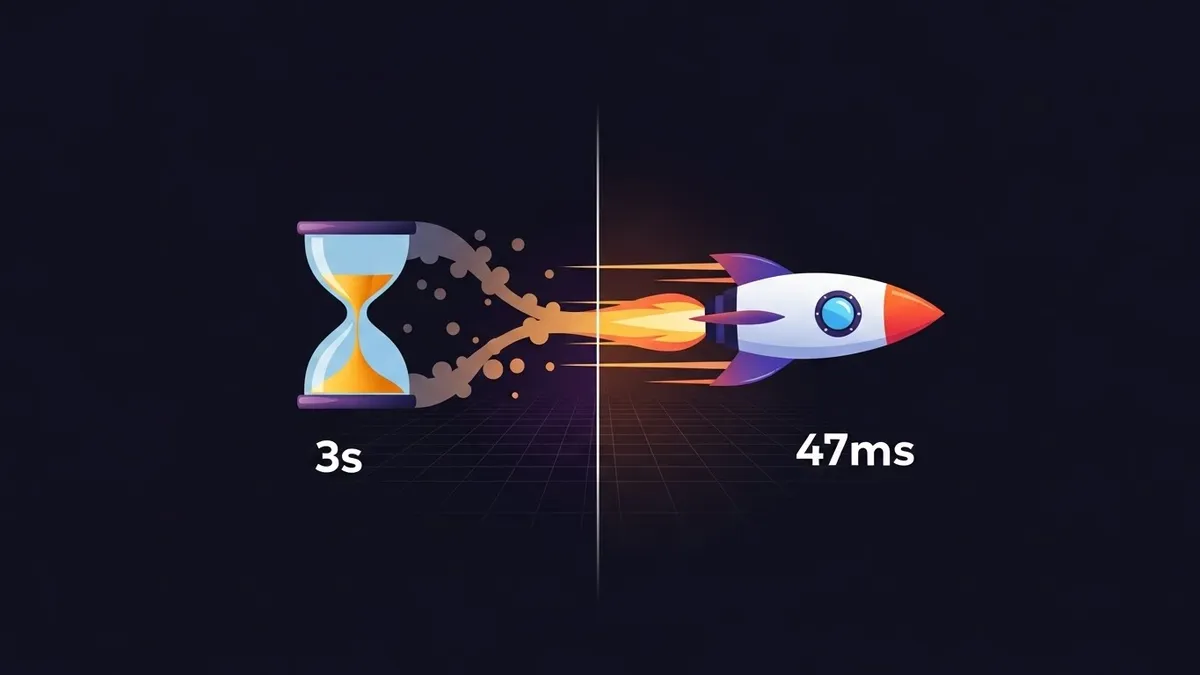
  • First page load: 3324ms
  • Subsequent loads: 1806ms

The strange part? I had followed all the upgrade steps to the letter. No deprecation warnings, no console errors - just brutal slowdown in dev mode.

Looking at my setup, I was using Svelte components with Lucide icons, a pretty common combination. The performance hit seemed to happen on every page that used these components.

Back to Table of Contents

After some investigation and a deep dive into GitHub issues, I found the smoking gun. Astro 5 ships with Vite 6, which handles module imports differently than previous versions.

Here’s the key insight from an Astro contributor:

Astro 5 upgraded Vite to 6 which changed some things there… those kind of big barrel exports are a bad pattern in any case, and will always have a negative effect on Vite, particularly in dev.

The problem? The way we commonly import icons:

import { Home } from "lucide-svelte"

This pattern, known as a barrel export, forces Vite to process the entire icon library even when we only need a single icon. In development mode, this creates a significant performance bottleneck.

Back to Table of Contents

The solution is simple - just change how you import your icons. Instead of importing from the package root, import directly from the specific icon’s path:

// Before (slow)
import { Home } from "lucide-svelte"

// After (fast)
import Home from "lucide-svelte/icons/home"

The results? Load times dropped dramatically:

  • New page load time: 47ms

That is a 98% reduction in load time from a one-line change.

Back to Table of Contents

This fix is effective because it aligns with how modern JavaScript bundlers work best. When you import directly from a subpath:

  • Vite only needs to process the specific icon file
  • The bundler can optimize the import path more effectively
  • There’s no need to parse and analyze the barrel export file

Think of it like grabbing a single book from a shelf versus having to scan through the entire library catalog first.

The performance gain is particularly noticeable in development because Vite’s dev server doesn’t have to maintain the entire barrel export in memory, drastically reducing the processing overhead for each page load.

Back to Table of Contents

While fixing the icon imports made the biggest difference, here are some other tips for maintaining snappy dev server performance in Astro 5:

Audit Your Imports

Look for other libraries in your project that might be using barrel exports. Common culprits include:

  • UI component libraries
  • Utility function collections
  • Icon packages

Consider Import Aliases

If you’re worried about maintainability with longer import paths, set up import aliases in your tsconfig.json or jsconfig.json:

{
  "compilerOptions": {
    "paths": {
      "@icons/*": ["node_modules/lucide-svelte/icons/*"]
    }
  }
}

Watch Your Bundle Size

Keep an eye on your development bundle size using tools like vite-bundle-visualizer. Sometimes performance issues can reveal opportunities for better code splitting or lazy loading.

Back to Table of Contents

Wrapping Up

What started as a frustrating performance regression led to discovering a better way to handle imports in Astro 5. While the Astro team continues optimizing the development experience, this simple change to subpath imports can make a huge difference in your dev workflow right now.

If you’re experiencing similar slowdowns after upgrading to Astro 5, try updating your imports first before diving into more complex optimizations. Sometimes the simplest solutions are the most effective.

Home